Apply Honey Hour Golden Light Filter Online
Click to get startedDrop your image here
tap to choose a fileor click to browse
What you can expect
A golden-light enhancement with pale gold highlights, peach skin lift, gentle backlight bloom, and luminous contrast.
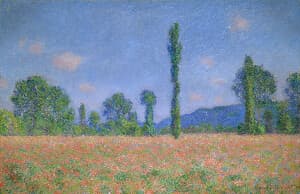
Related tools
More BrushCue tools that fit this workflow.
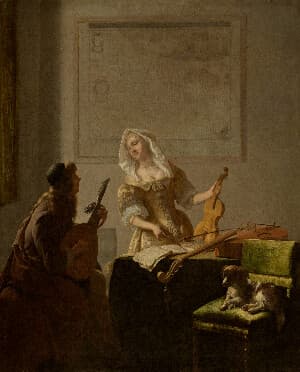
Terracotta Sun
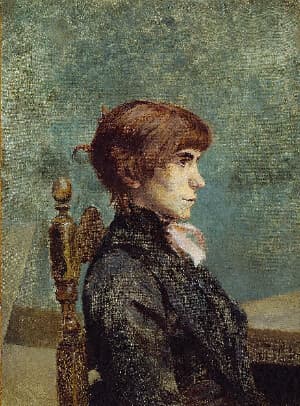
An earthy warm grade of clay red, cinnamon, and ochre with strong midtone contrast, dry grain, and no glow.
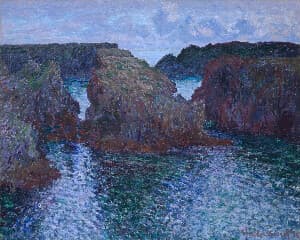
Warmth Adjust
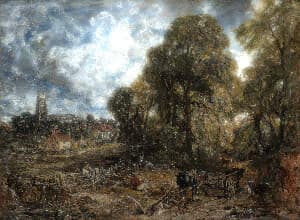
Warmth adjusts the color temperature of your image to make it feel cooler or warmer by simulating different lighting conditions. Slide right for golden, cozy tones and left for cooler, crisper tones—while keeping neutrals and skin tones balanced.
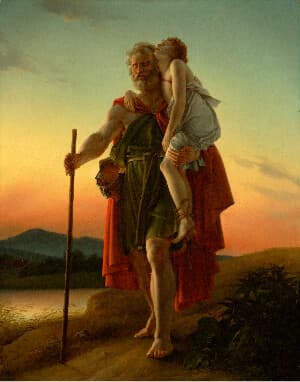
Included in collections
Browse by category
Online Image Color Adjustment Tools
→Frequently asked questions
- What kind of light does Honey Hour imitate?
- The last forty minutes before sunset: pale gold highlights, peach skin, and gentle backlight bloom.
- How do I control the effect?
- Select your file for the full golden grade, then use Intensity to blend it with the original.
- Will it turn everything orange?
- No. Shadow neutrals keep enough blue for balance, so the frame glows without going muddy.
- What file formats can I export?
- You can export as PNG, JPEG, WebP, TIFF, BMP, or HEIC.
- Is this tool free to use?
- Yes — completely free, no account needed. Your images are processed entirely in your browser and never uploaded to a server. Downloads have no watermarks.
Build your own
Create projects with your custom presets
Sign in to save work, organize projects, and keep your favorite tool setups ready to go.
Sign in to create projects