Coquette Photo Filter Online
Click to get startedDrop your image here
tap to choose a fileor click to browse
What you can expect
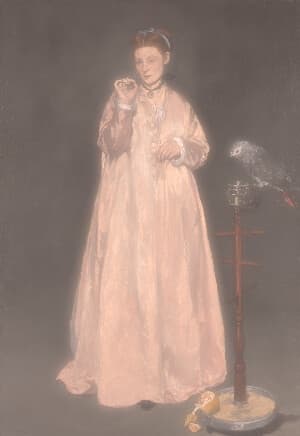
Turn photos into a dreamy coquette aesthetic with high-key brightness, blush-pink tones, creamy muted colors, and a soft-focus glamour glow. Control the effect with a single intensity slider.
Related tools
More BrushCue tools that fit this workflow.
Cottagecore Filter
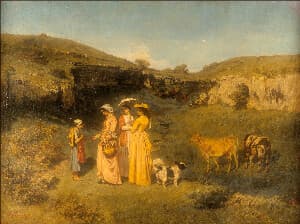
Give your photos a soft pastoral cottagecore look with sage greens, creamy warm highlights, gently lifted blacks, and a misty highlight glow. Control the effect with a single intensity slider.
Y2K Filter
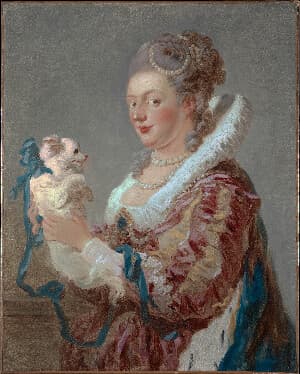
Give photos a glossy Y2K aesthetic with icy chrome tones, pink and baby-blue pop, holographic highlight sheen, crisp detail, and bright glints. Control the effect with a single intensity slider.

Included in collections
Browse by category
Online Aesthetic Photo Filters
→Frequently asked questions
- What is the coquette aesthetic?
- A soft, romantic style built on pale pinks, bows and lace, bright high-key light, and dreamy soft focus.
- How does the Coquette Filter change my photo?
- It brightens the image, keeps pinks and reds while muting other colors toward cream, adds a blush to highlights, and applies a glamour glow.
- Will it turn skin pink?
- Skin tones are protected from the color muting, so they stay natural while the overall image takes on a blush tint.
- What file formats can I export?
- You can export as PNG, JPEG, WebP, TIFF, BMP, or HEIC.
- Is this tool free to use?
- Yes — completely free, no account needed. Your images are processed entirely in your browser and never uploaded to a server. Downloads have no watermarks.
For developers
Use Coquette Filter from Python
Open the Jupyter notebook example to see how to run this tool from the BrushCue Python API, inspect the processing steps, and adapt the workflow for scripts or batch image jobs.
View Python notebookBuild your own
Create projects with your custom presets
Save work, organize projects, and keep your favorite tool setups ready to go. No login required — everything is stored privately on your computer.
Go to projects