Online AI Subject Editing Tools
Use BrushCue's AI subject editing tools to cut out people and pets, blur backgrounds, highlight subjects, or censor detected content.
Cutouts
These tools automatically cut out people and pets from an image.
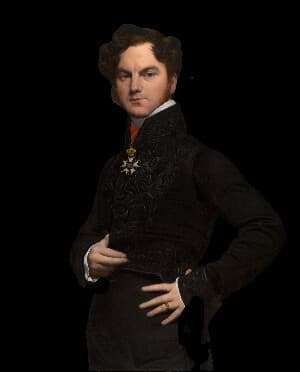
Cut Out Person
Upload your photo and receive an image with the person cut out and a transparent background. Use this tool to create stickers or overlays of people.
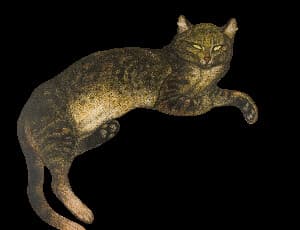
Cut Out Cat
Upload your photo and receive an image with the cat cut out and a transparent background. Use this tool to create stickers or overlays of cats.
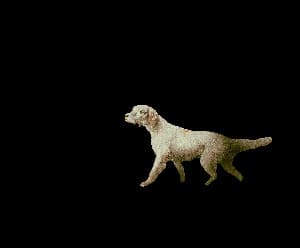
Cut Out Dog
Upload your photo and receive an image with the dog cut out and a transparent background. Use this tool to create stickers or overlays of dogs.
People Effects
These tools detect people or clothing to apply targeted visual effects.
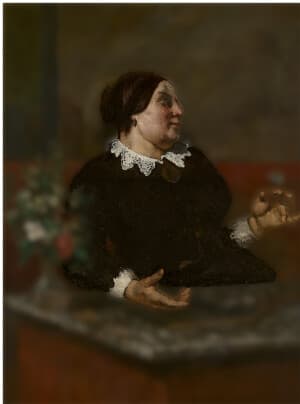
Blur Background Around People
This tool uses AI to extract the people in your image, then blurs the background while keeping the people sharp.
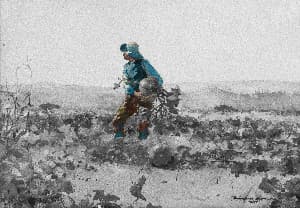
People Color Pop
The People Color Pop tool turns the background of your image black and white while keeping the people in full color. Use it to draw attention to the people in an image.
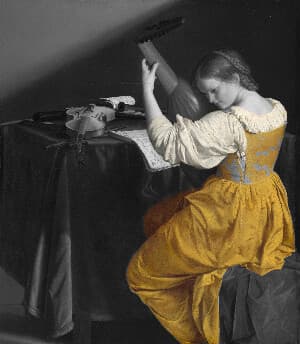
Clothing Color Pop
The Clothing Color Pop tool turns the background of your image black and white while keeping the clothing in full color. Use it to draw attention to clothing in an image.
Censoring
These tools use automatic detection to hide people, children, or license plates.
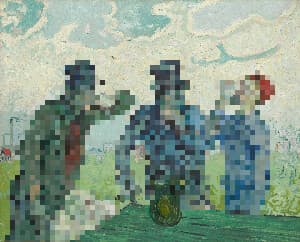
Censor People with Pixelate
Censor people out of your images using this tool. To use, select your image and adjust the dimension of the pixelate.
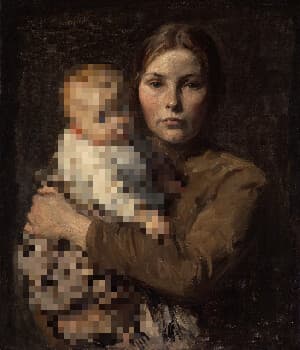
Censor Children with Pixelate
Censor children out of your images using this tool. Our AI automatically detects children in your photos. We then apply a pixelate effect to those children. To use, select your image and adjust the dimension of the pixelate.
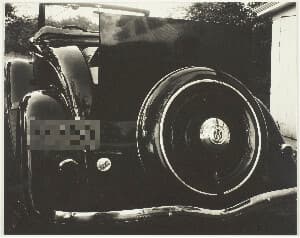
Censor License Plate with Pixelate
Censor license plates out of your images using this tool. Our AI automatically detects license plates in your photos. We then apply a pixelate effect to those license plates. To use, select your image and adjust the dimension of the pixelate.