BrushCue has four tools that can increase contrast on color images: Contrast Adjust, Brightness Contrast Adjust, High Contrast Grayscale, and Lightness Threshold. This post focuses on the subtle differences between Contrast Adjust and Brightness Contrast Adjust.
Technical Differences
The two tools are Brightness Contrast Adjust and Contrast Adjust. Brightness Contrast Adjust applies a contrast adjustment to the L component in OkLab. The standard Contrast Adjust applies a contrast adjustment directly to the R, G, B components.
Internally, they both take the raw value and apply a pivoted sigmoid to the value.
What this means
Besides all of this technical mumbo jumbo, what does this mean? From a perceptual level it means that Contrast Adjust increases separation across color channels, which can make colors feel richer and more vivid, while Brightness Contrast Adjust concentrates the change in lightness so hues stay more stable.
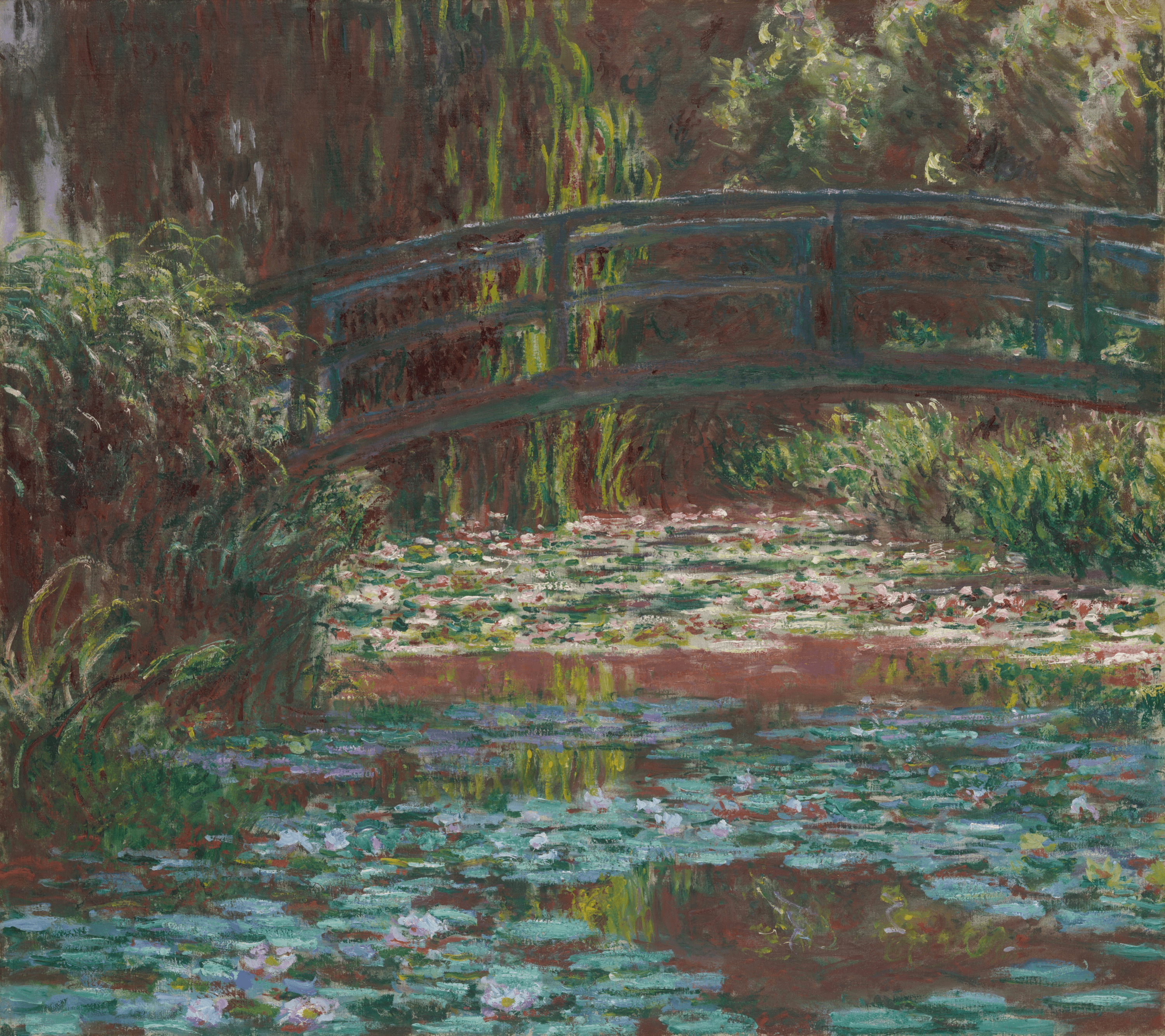
For the purposes of this blog post, we will be increasing the contrast using these two methods on one of Monet's paintings.
At a glance
Let's view the results of the two contrast adjustments side by side.
At a factor of 2
| Contrast Adjust | Brightness Contrast Adjust |
|---|---|
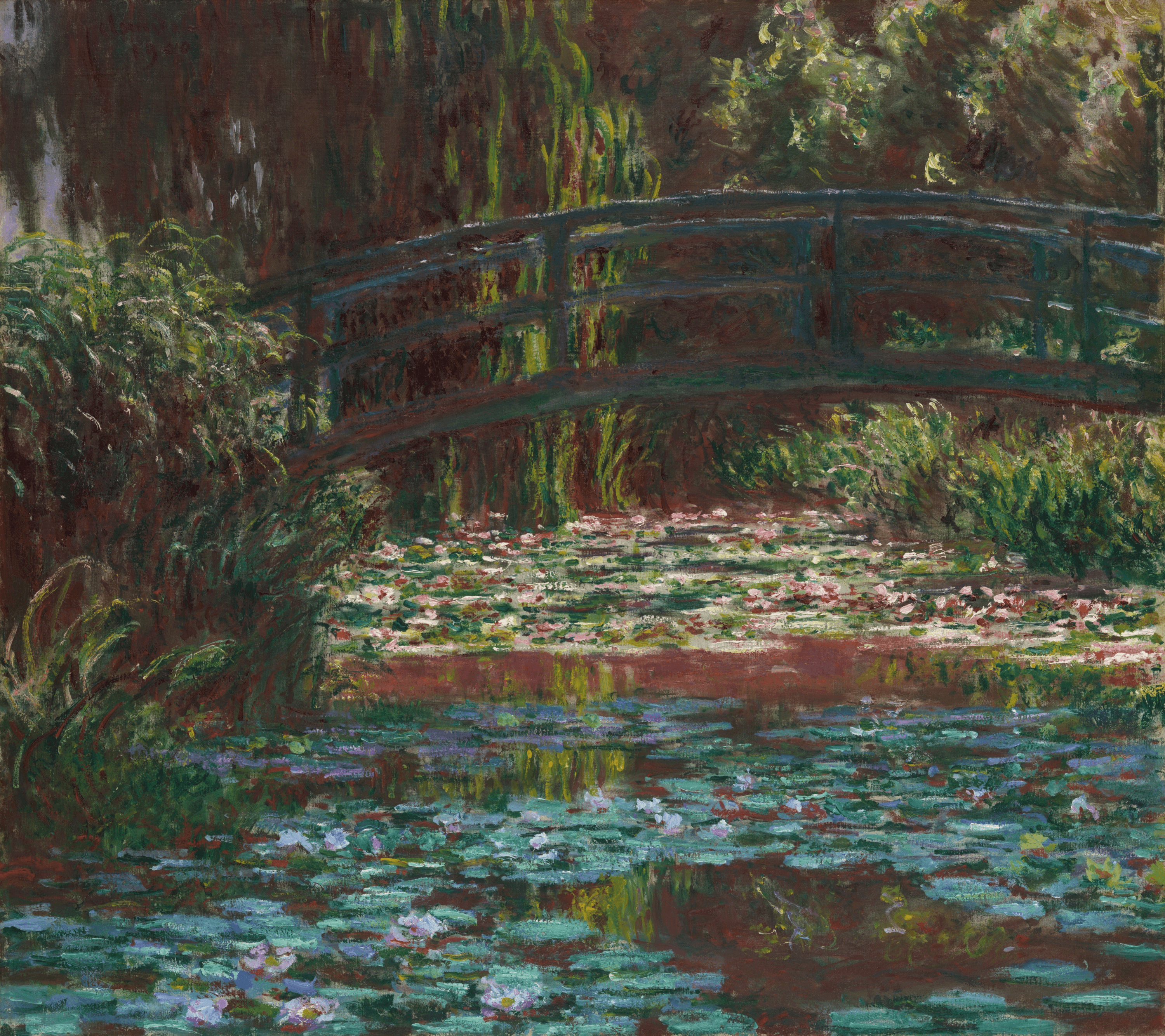 | 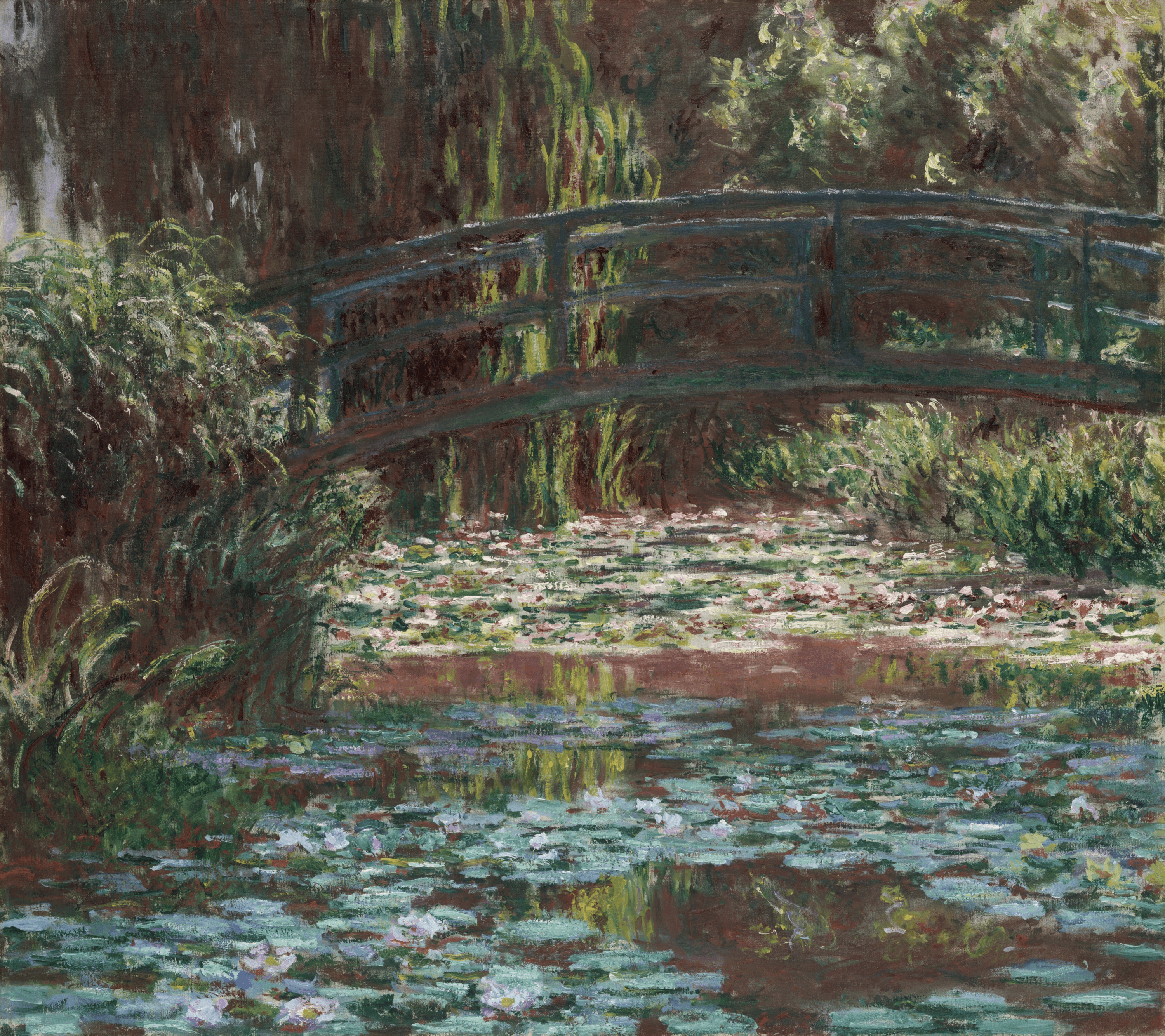 |
This shows the difference between contrast and brightness at a factor of 2. At this level, the difference is subtle, but on the pond you can see that the flowers are brighter still in the brightness version.
At a factor of 5
| Contrast Adjust | Brightness Contrast Adjust |
|---|---|
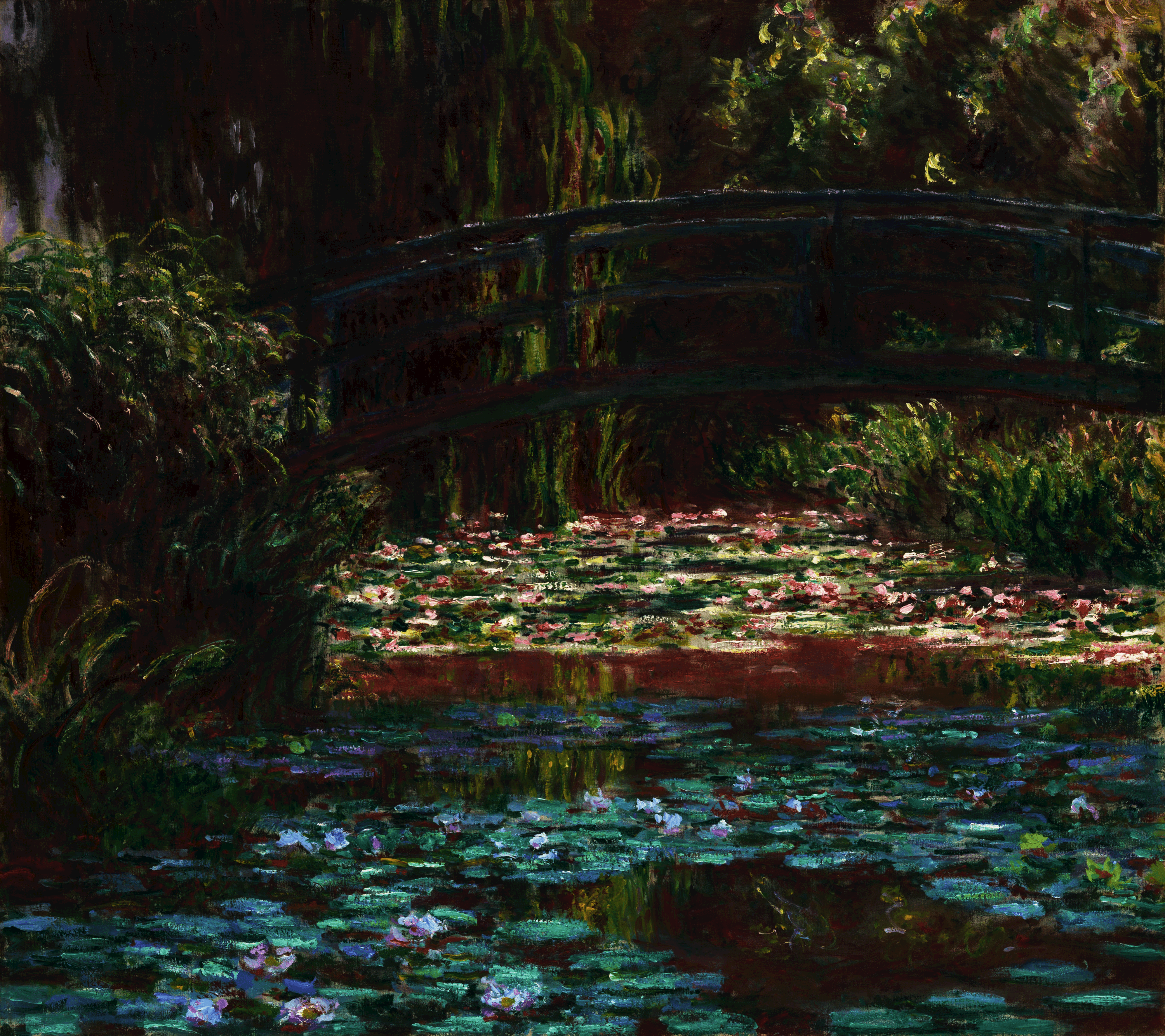 | 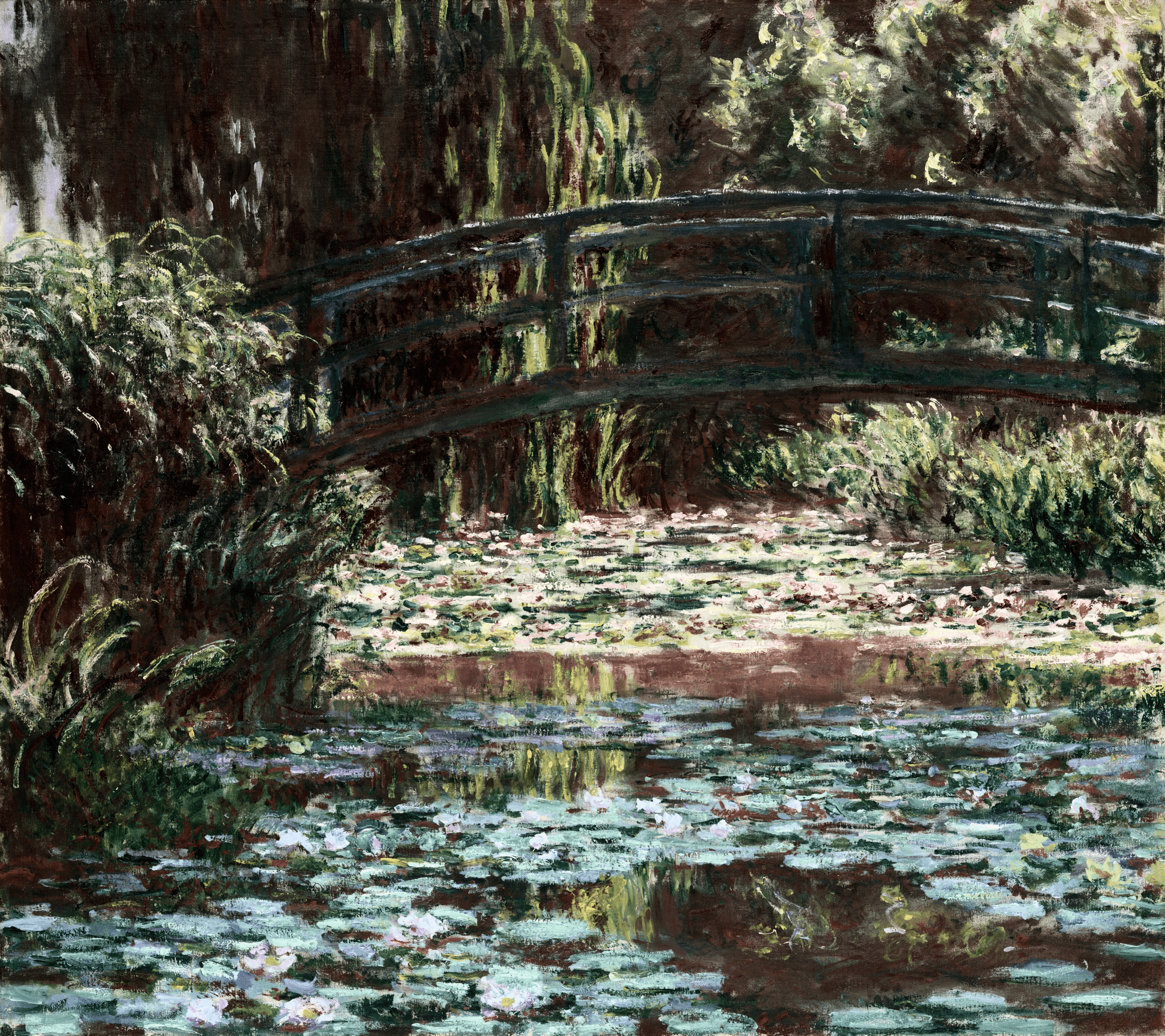 |
At this higher, more exaggerated level of contrast adjustment, the difference is more pronounced. This is a lighter overall image, so the brightness version looks much brighter and we see stronger separation between light and dark. In the standard contrast version, the colors stay richer at this level.
When To Use Each
It depends on the artistic effect you want. Here are some guidelines:
- Use Contrast Adjust when you want richer color separation and a more saturated, punchy look.
- Use Brightness Contrast Adjust when you want stronger lightness separation without shifting hues.
- For portraits or skin tones, Brightness Contrast Adjust tends to keep color more natural.
- For landscapes, Contrast Adjust can make foliage, water, and sky feel more vivid.