Colors are matrices
Linear algebra and matrices seemed pointless when I first encountered them in school. Unbeknownst to me, they are the engine that powers swaths of computer graphics — not to mention all of AI. While the matrices that underlie digital art programs are hidden from the end user, learning how they are used allows for a deeper understanding of digital art.
Linear algebra has filled many books. For our purposes, we need just a sliver of it: matrix multiplication. Many common color modifications are implemented as a matrix multiplication against RGBA values. The formula for multiplying a matrix against an RGBA value is:
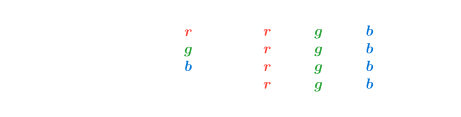
A 4 × 4 matrix transforms each RGBA component by combining values from the input color.
There are a lot of additions and multiplications here! The top row of the matrix controls the output red value, the second row defines the green, the third the blue, and the fourth the alpha. Each column controls how much from the other components combine in the output of a given color.
To examine the color-changing power of this formula, let's run through some examples. We will be using Georges Seurat's A Sunday on La Grande Jatte—1884 and one example color.
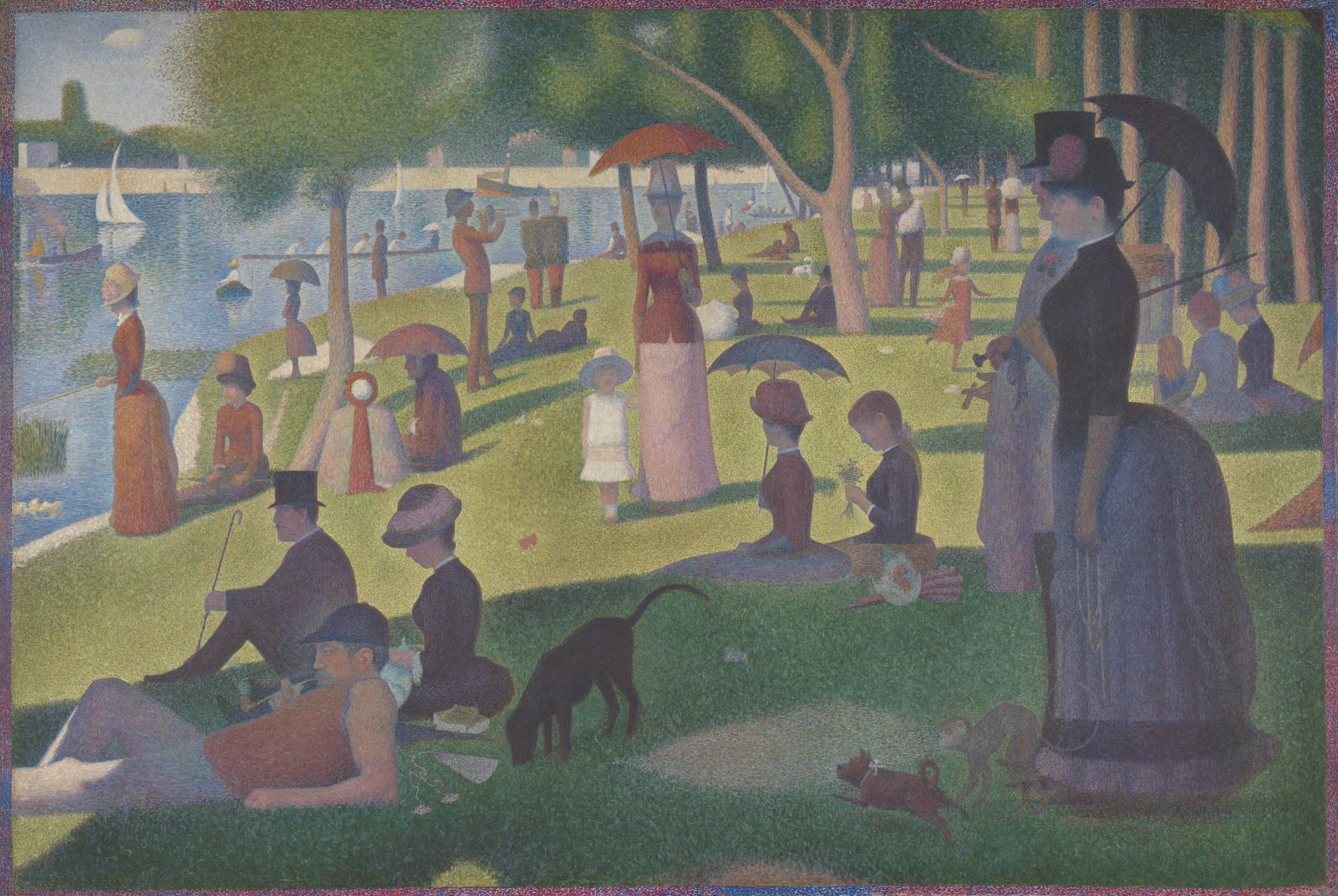
Before
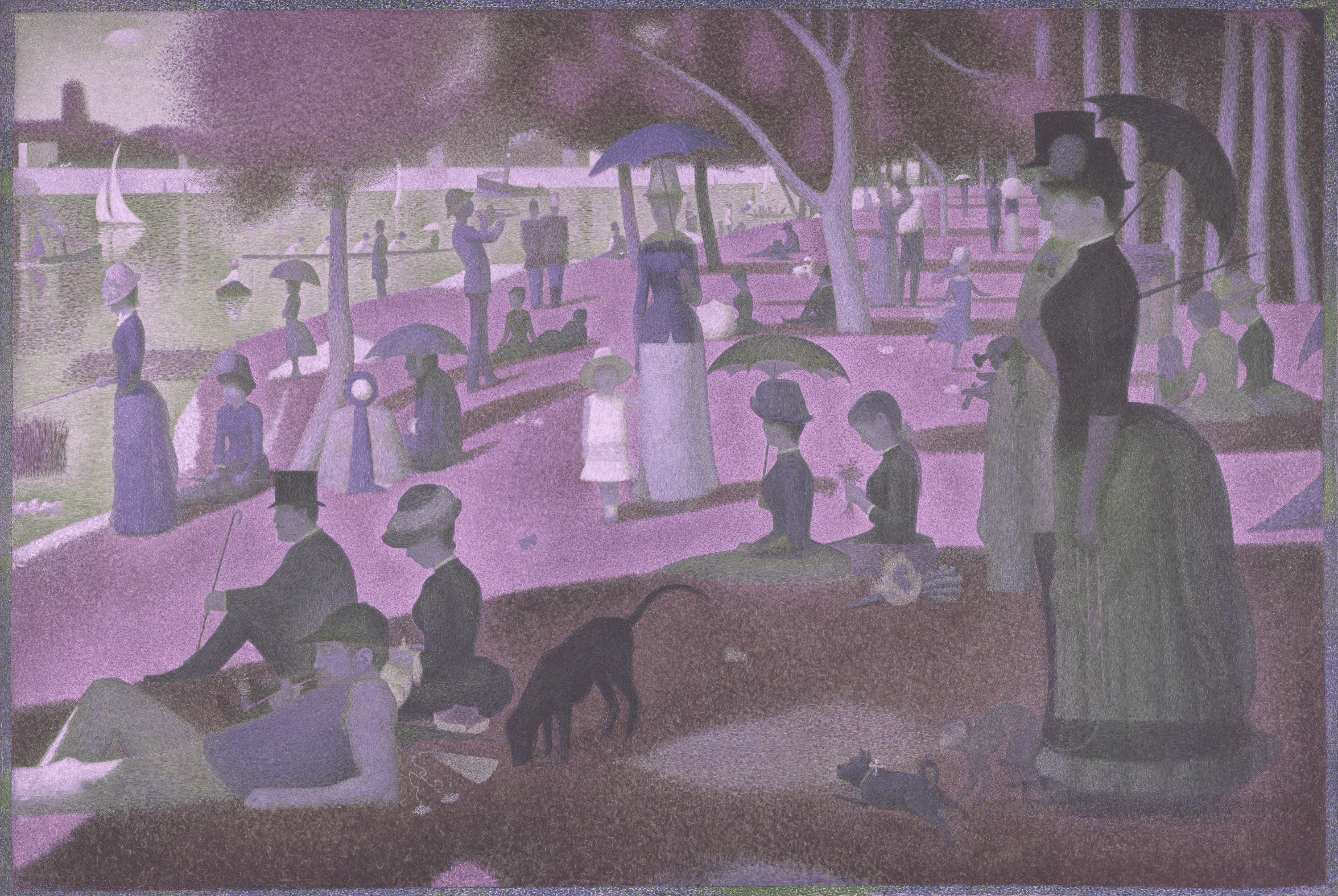
After
Georges Seurat, A Sunday on La Grande Jatte—1884, 1884–86, border added 1888–89. Art Institute of Chicago, Helen Birch Bartlett Memorial Collection. Public domain. Source image.
Toning down blues
In this first example, we multiply the blue channel by 0.7, reducing its intensity and giving the image a warmer tone. The red and green channels are unchanged.
1   0   0    0
0   1   0    0
0   0   0.7  0
0   0   0    1
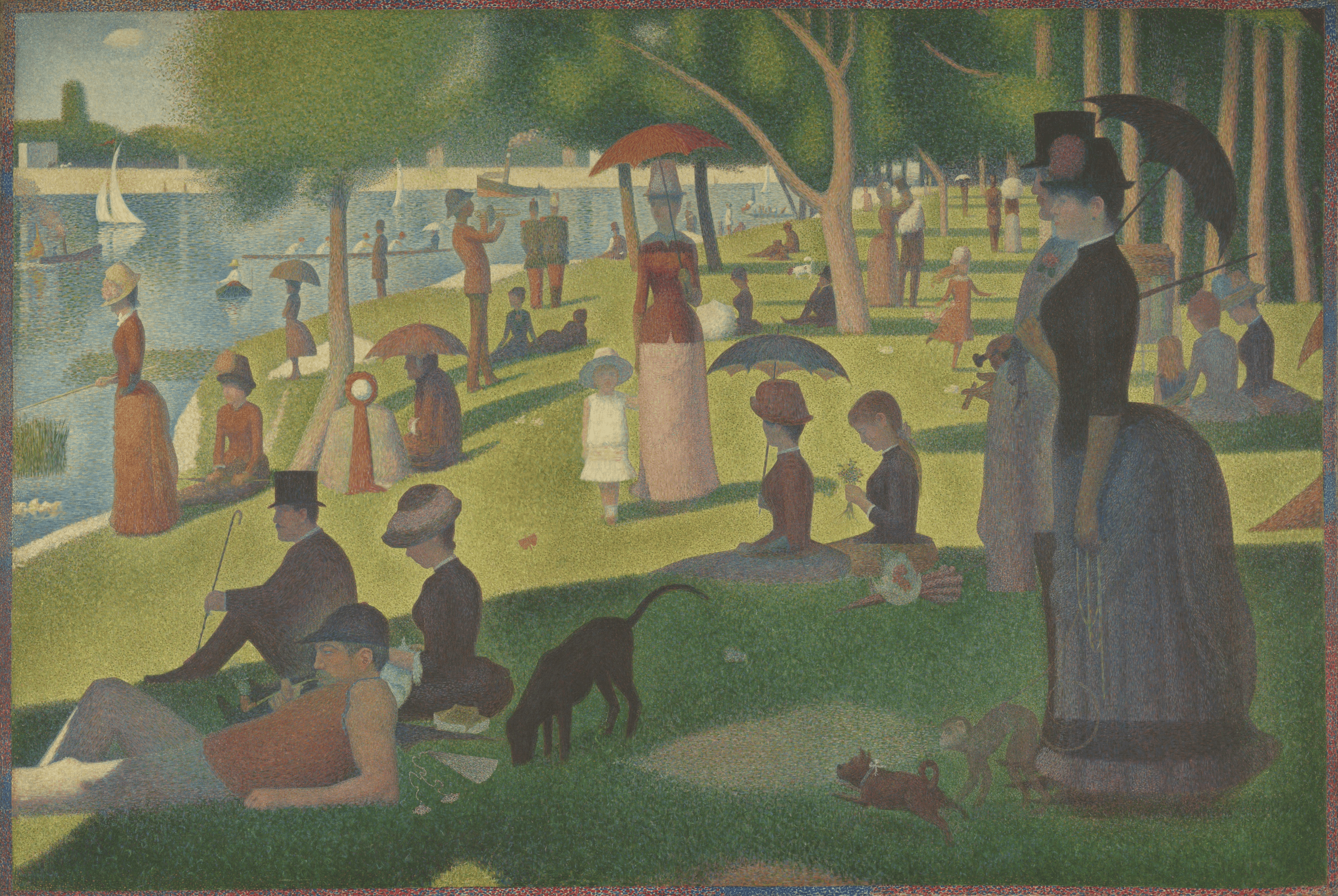
The 1 in the first two spots of the diagonal means that the red and green are unchanged. The 0.7 in that third spot applies only to the blue channel, thereby reducing its intensity.
Color bleed
Next, let's work through an example that mixes the channels together, creating a washed-out look.
0.7   0.15  0.15  0
0.15  0.7   0.15  0
0.15  0.15  0.7   0
0     0     0     1
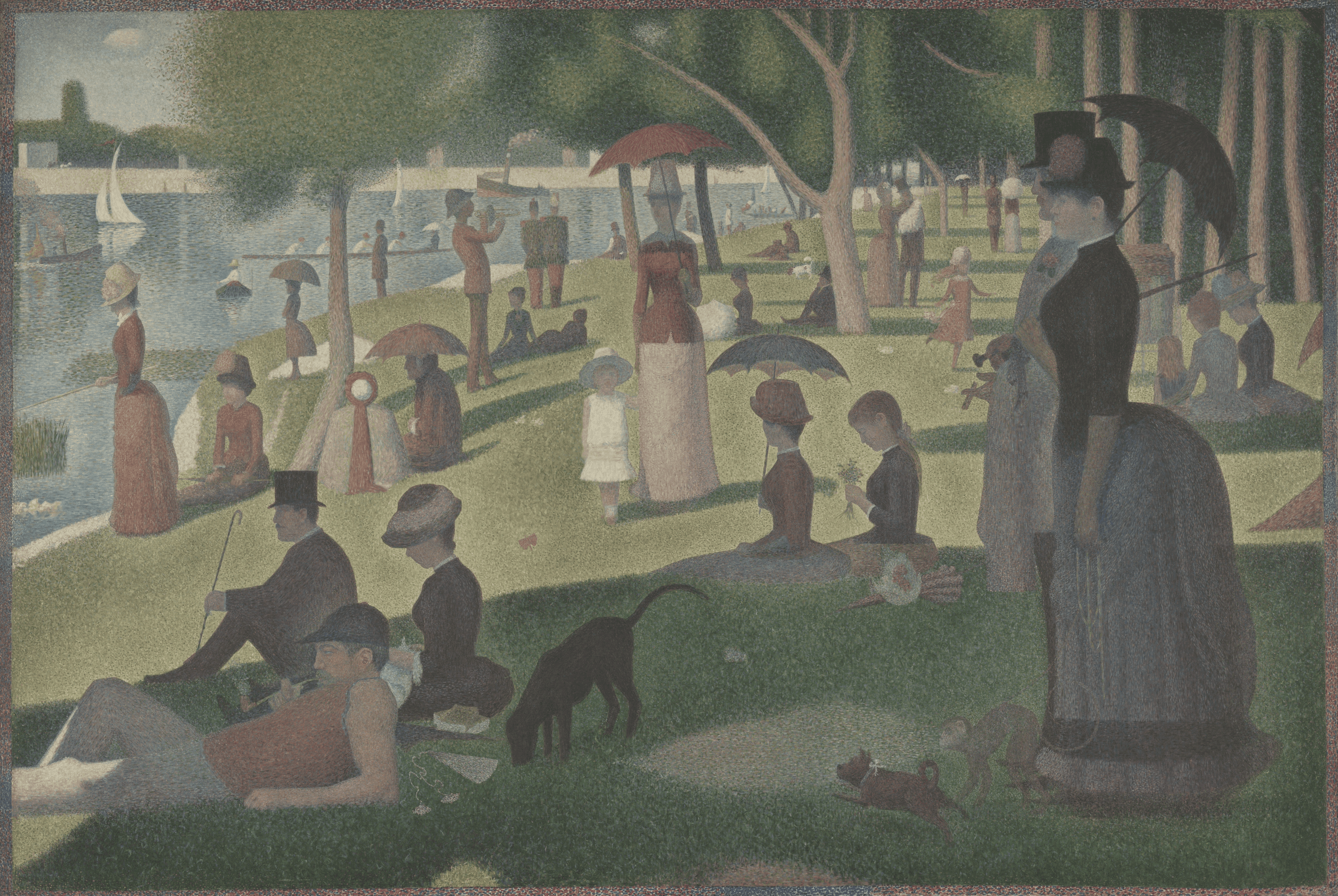
You will see that the diagonal entries are 0.7, while the other two entries in each row are 0.15. This means that 70% of each output channel comes from its original value, while 15% comes from each of the other two channels. This mixes the channels together, giving the colors a washed-out, bleeding appearance.
Now is a good time to mention that 1 in the bottom right. We could use that row to make the image transparent, but this is not what we are doing in this example. Therefore, in this post that bottom row is always the same: a one in the right column and 0s everywhere else.
Increase intensity
In the first step, we decreased the intensity of the blue channel. Now, this step increases the intensity of all the color channels.
1.5  0    0    0
0    1.5  0    0
0    0    1.5  0
0    0    0    1
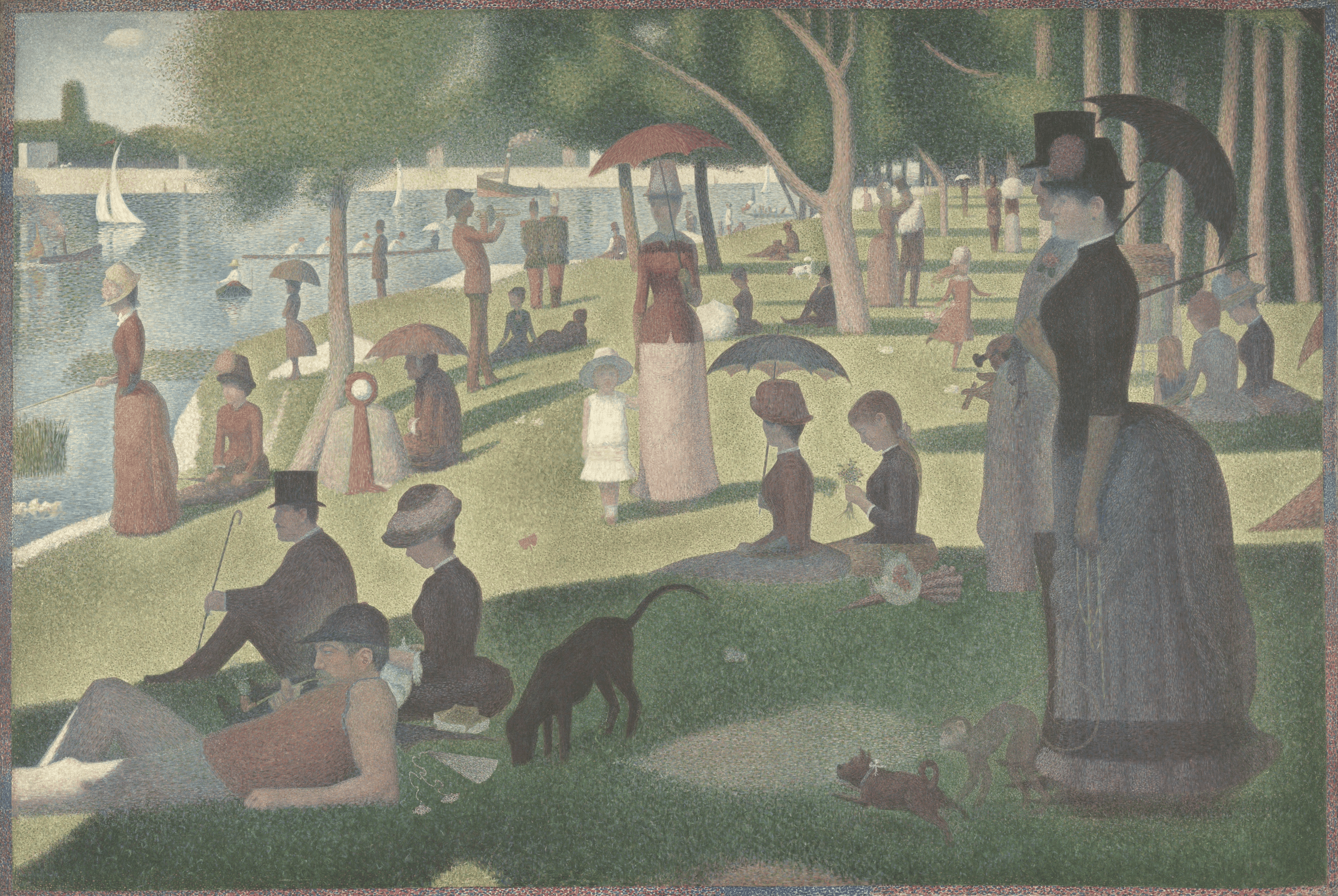
The 1.5 across the diagonal increases the intensity of each channel by 50%.
Swap channels
Now, let's get a bit more extreme. We can use a matrix to place the value of one channel into another.
0  1  0  0
0  0  1  0
1  0  0  0
0  0  0  1
This swaps the red, green, and blue channels into a new order, which changes the hue. In the first row, we have a 1 in the second column: the value of red becomes the value of green. In the second, we have the 1 in the third column: green becomes blue. And in the third row, we have the 1 in the first column, so blue becomes red. We have a 1 in the bottom right, keeping alpha unchanged.
Combining the changes
You may be thinking: What's the point? If I wanted to scale the blue by 0.7, that is just one multiplication. You are doing 16. Are you stupid? Well, who's to say. But there is a point to doing all this work. Taking all of the matrices from above and multiplying them together in reverse order, we get:
0.225  1.05   0.1575  0
0.225  0.225  0.735   0
1.05   0.225  0.1575  0
0      0      0       1
Applying this composite matrix to our original values produces the same result as applying each of the preceding steps one after another. This property is why matrices are so powerful and one reason for their ubiquity in computer graphics and AI. Our example image is 3,000 × 2,009 pixels. This means that we need to apply our change 6,027,000 times for each output image. By expressing these steps as a matrix multiplication, we guarantee that the maximum number of multiplications is 16, since a single matrix can perform all the steps together. Once we compute the composite matrix, adding transformations does not increase the per-pixel multiplication cost.
Matrix multiplication is a small piece of linear algebra, but it is a remarkably expressive one: it can tint, mix, brighten, and reorder every color in an image with the same compact operation.
Try it in BrushCue Python
The notebook used to generate these examples includes the full workflow and source images. To adapt the idea in your own script, see the Python API reference for Composition.linear_transform and the Linear Transform Python example.