Decompose into red, green and blue components
To do this decomposition, we use the Composition Linear Transform operation. This performs a matrix multiplication on the R, G, B and A components of the pixel values. Using this trick, we can pull out the individual color stimulus value. The below table shows the individual components and the matrices created to extract them.
| Red | Green | Blue |
|---|---|---|
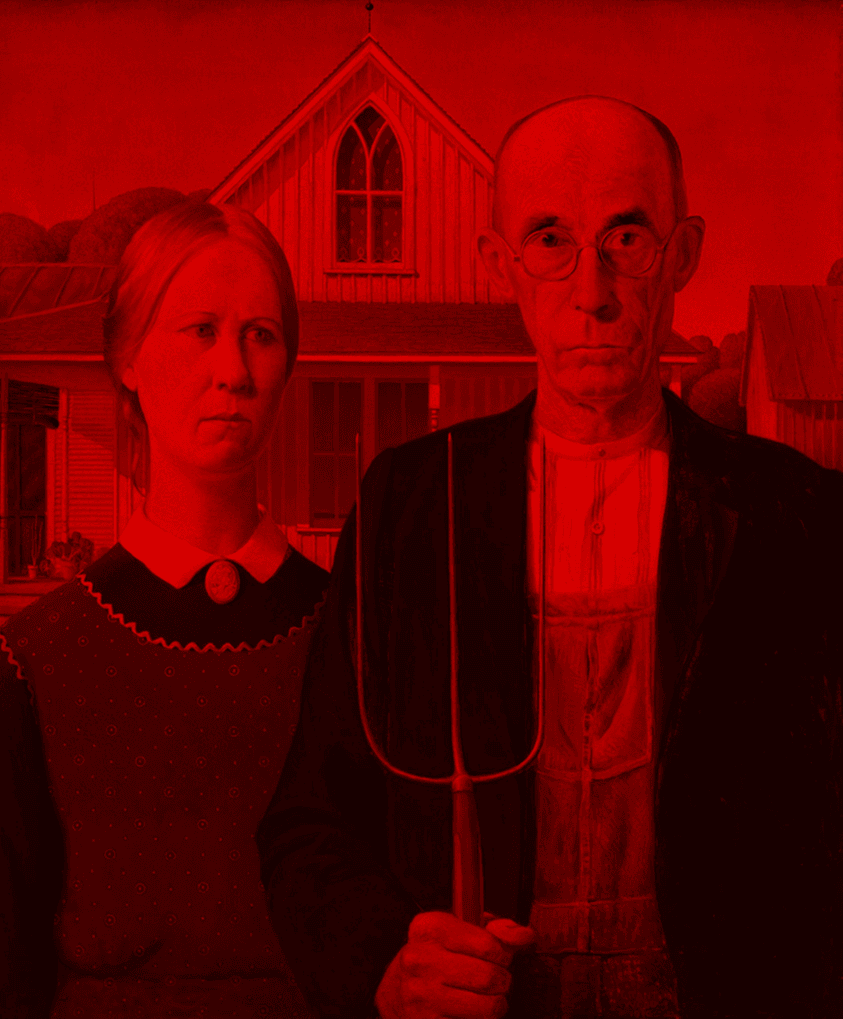 | 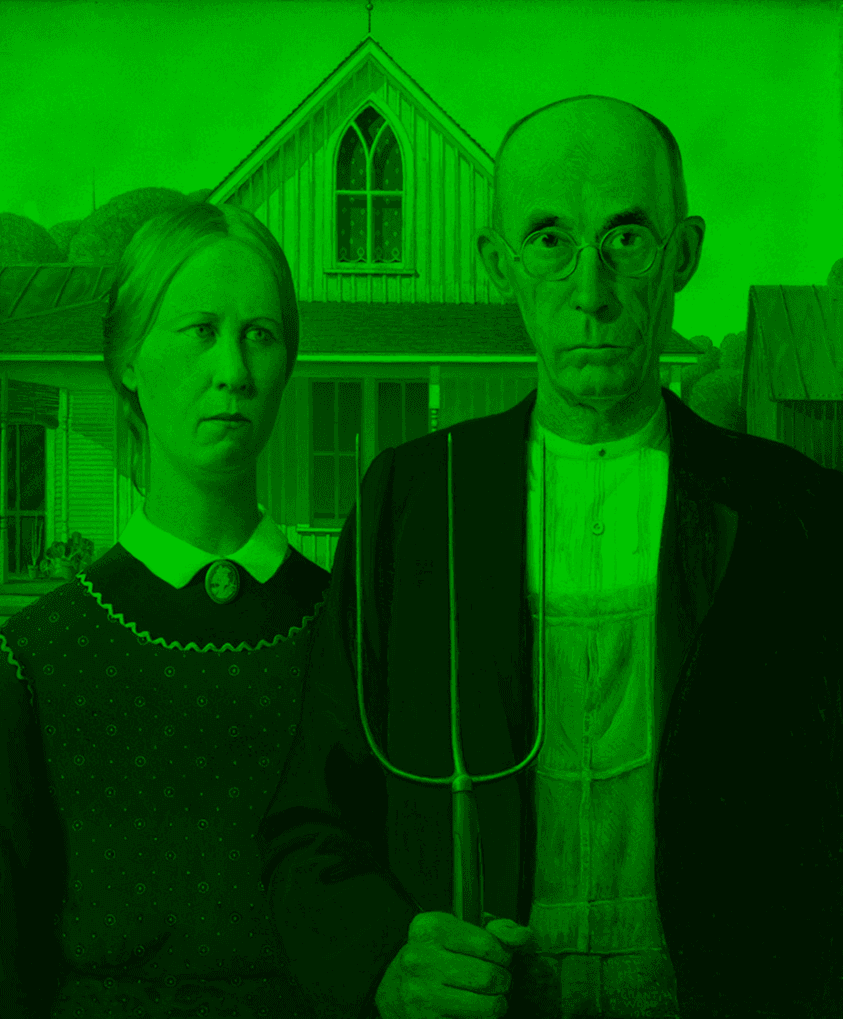 | 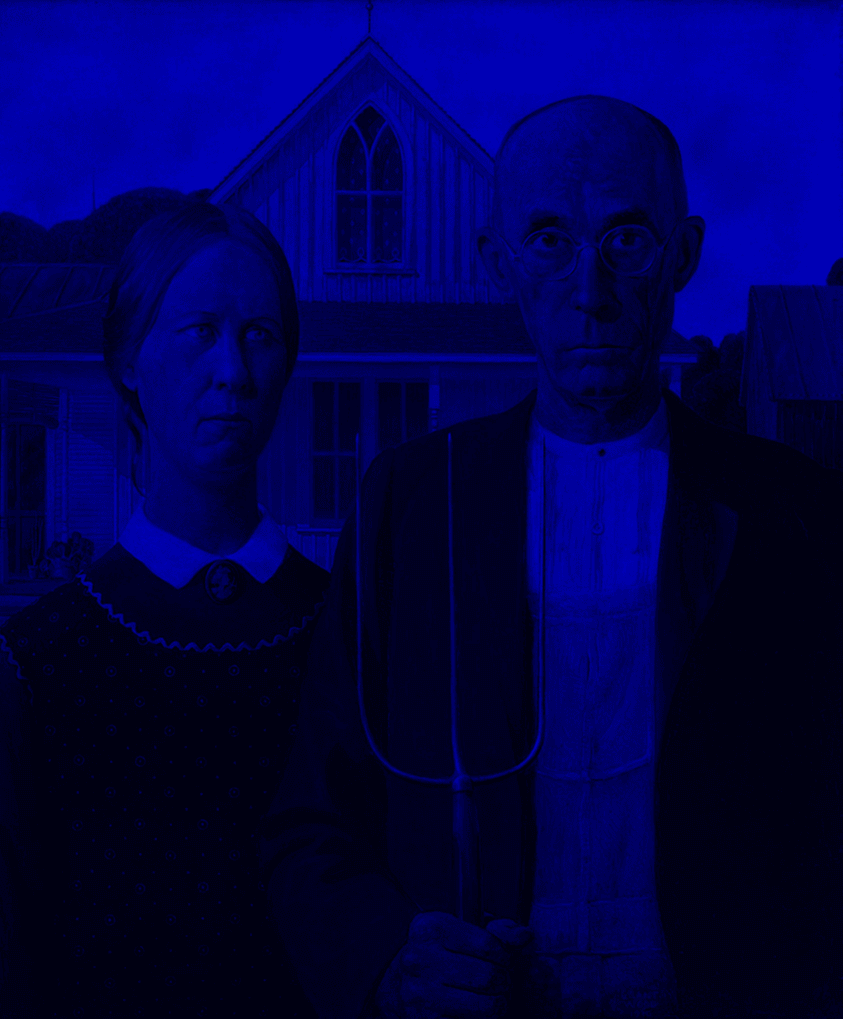 |
1 0 0 0 0 0 0 0 0 0 0 0 0 0 0 1 | 0 0 0 0 0 1 0 0 0 0 0 0 0 0 0 1 | 0 0 0 0 0 0 0 0 0 0 1 0 0 0 0 1 |
Combine Back with an Offset
Now that we have the individual components, we recombine with an addition blend with an offset. The offset causes the image to be composited askew, which creates the glitch effect.
| Red + Green | (Red + Green) + Blue |
|---|---|
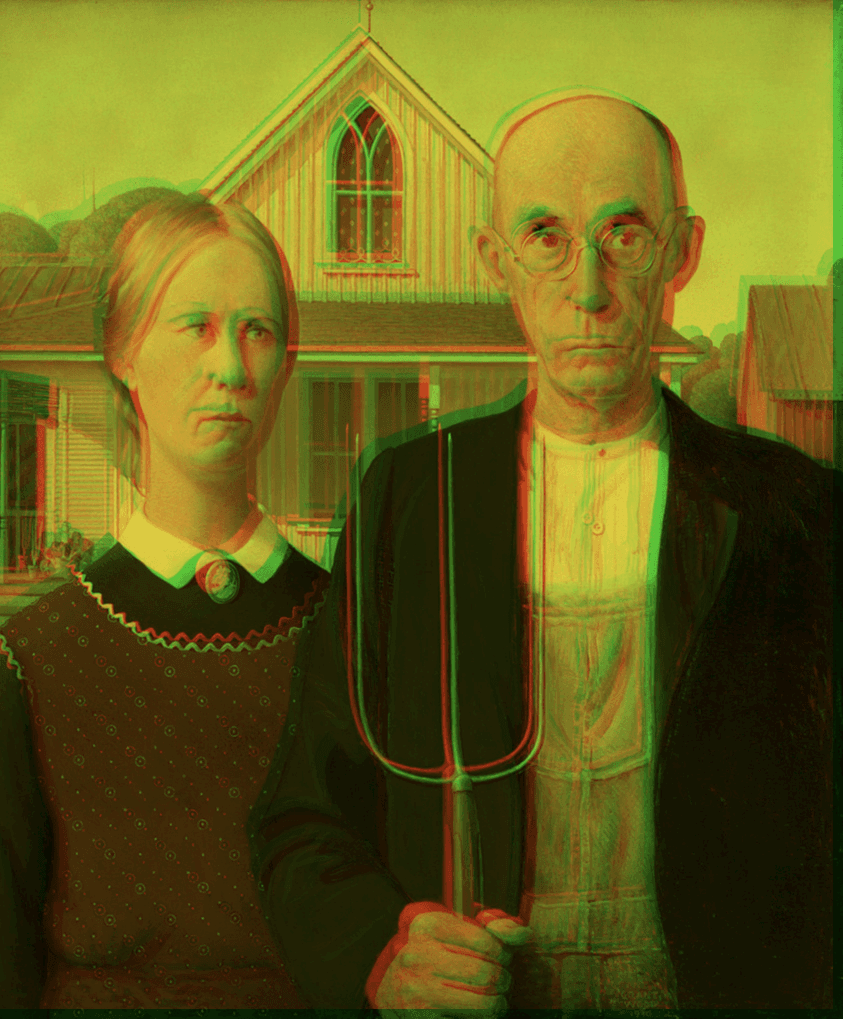 | 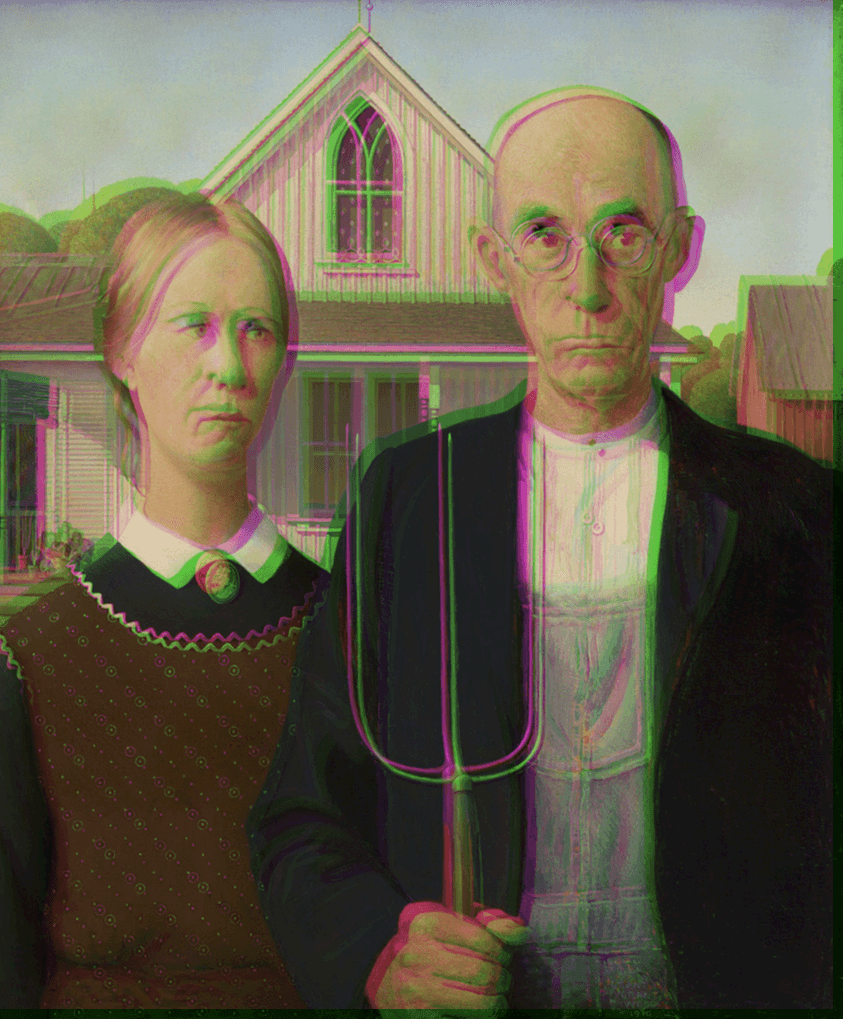 |
After the blends are done, we apply a crop to take out that green space at the bottom and right.
Wrapping Up
With this process, we can create an RGB color shift effect which makes it look like the colors are glitching. You can use our tool by pressing the button provided below. Play around with different offset values and your own images.