In this post we will create a striking grayscale effect by examining grayscale, thresholds, and S-curves.
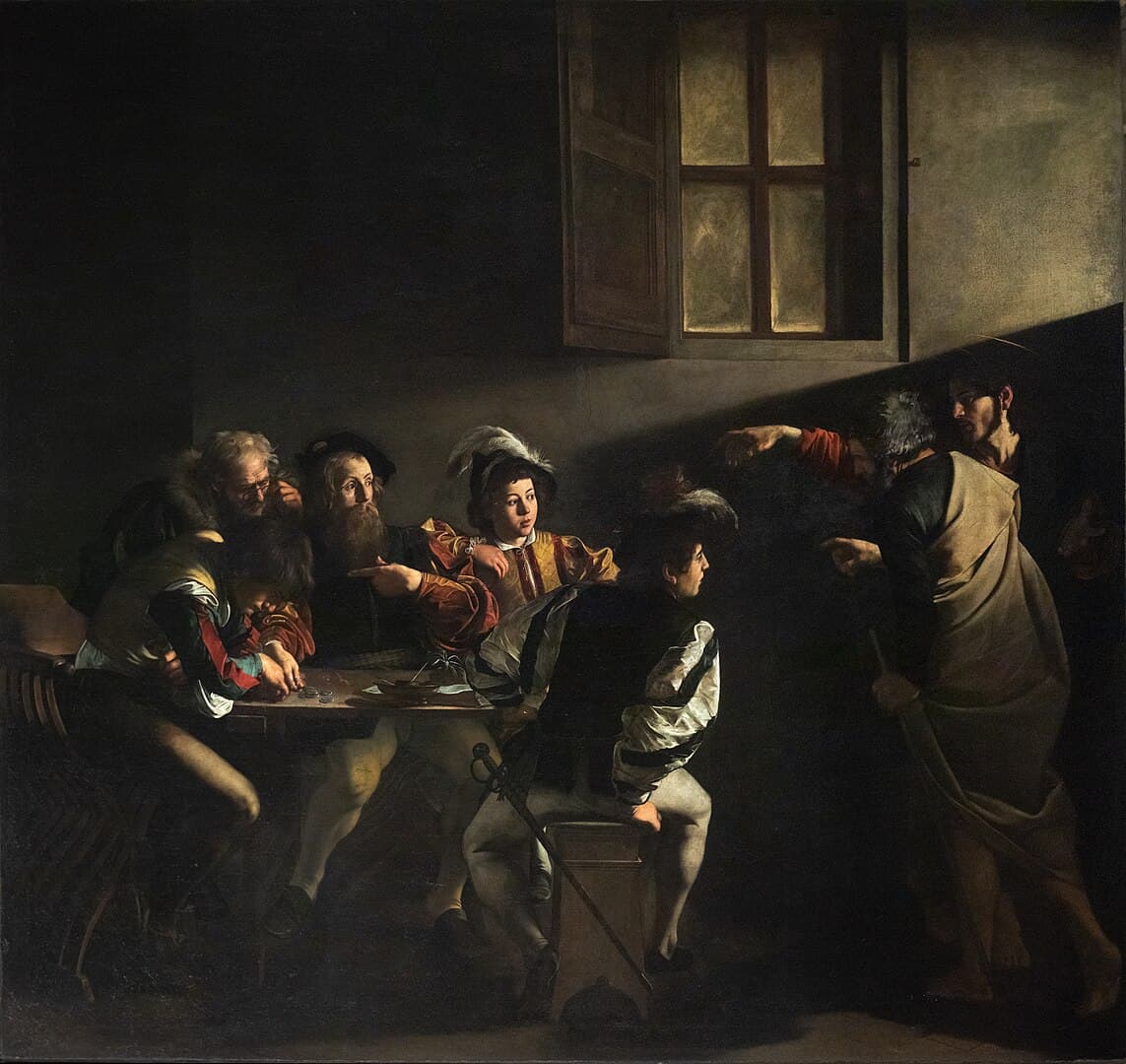
For this post, we will be converting the Calling of Saint Matthew by Caravaggio into grayscale. Caravaggio's paintings are striking in their use of light. We aim to preserve that quality while transforming this masterwork to grayscale.
A Simple Grayscale
First, we will use the grayscale tool provided by BrushCue. This tool works by converting each pixel from an RGB color to an XYZ color and extracting the luminance. The intricacies of doing this — and what XYZ color is for that matter — are outside the scope of this post. The key thing is that the Y in an XYZ color represents luminance. We take that Y and then set the X and Z values to 0 to create our grayscale image.
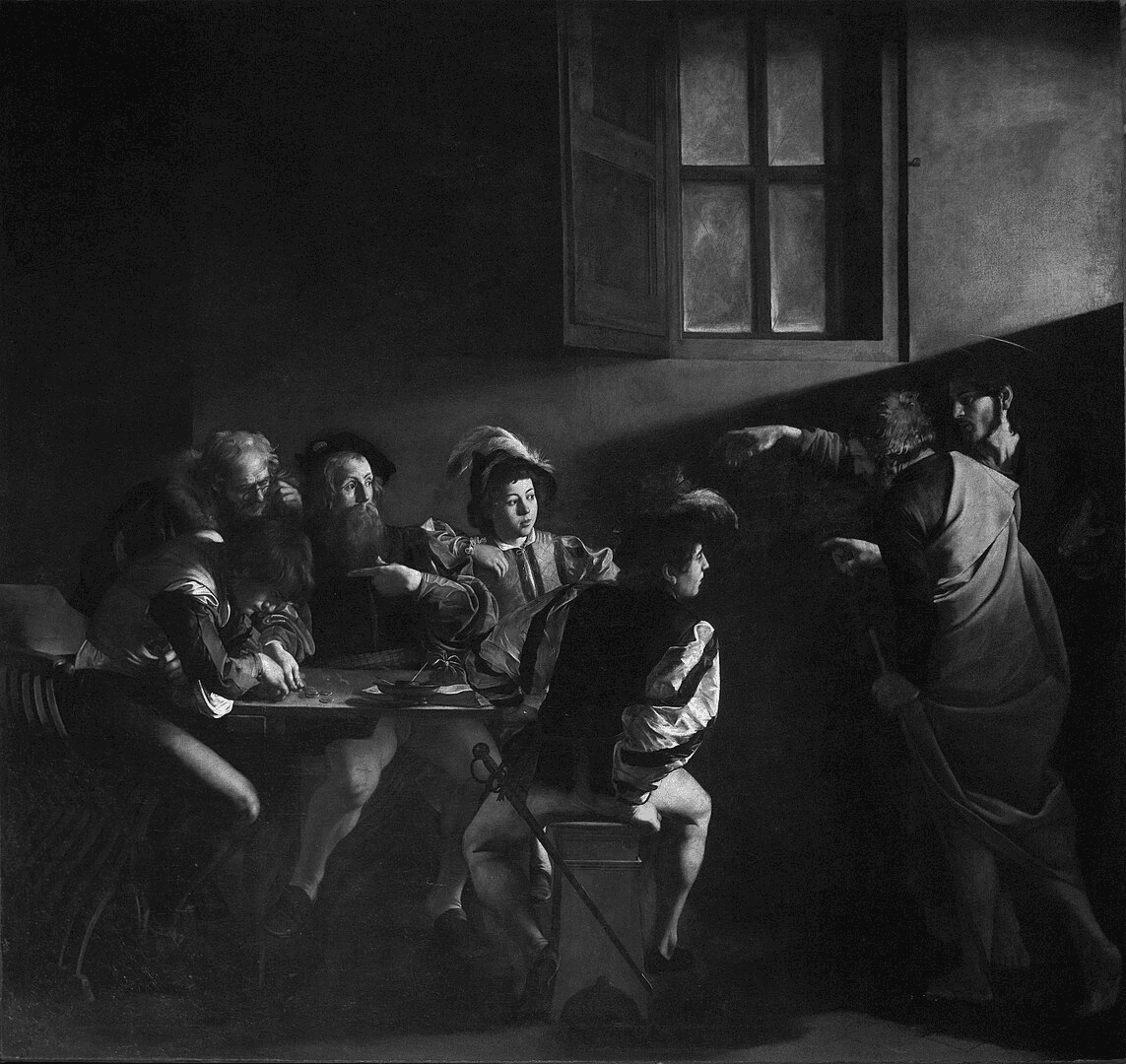
While this is a technically correct grayscale, it is far from striking. The image is too gray for my taste.
Using a Threshold
To make the grayscale more striking, we want more contrast in the image. If we take this to the extreme, we would want all the colors to either be white or black. BrushCue provides a tool to do this. This is the Lightness Threshold tool. The use of the tool can be seen below.
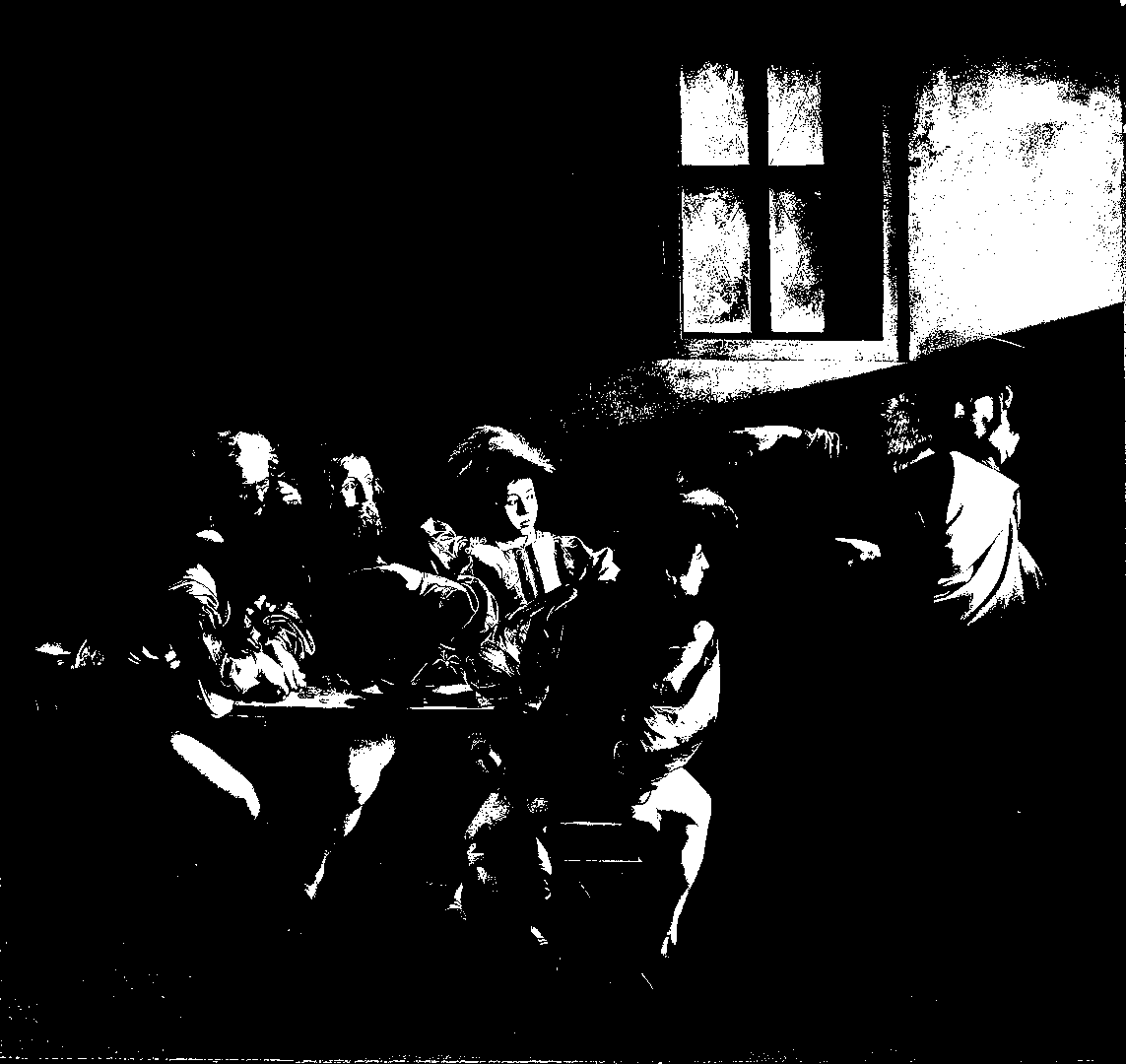
The colors are either white or black, effectively maximizing the possible contrast in this image. An interesting effect. Not what we were going for. What we want is something between the normal grayscale and this color threshold.
Using a Lightness S-Curve
To get a striking grayscale that pushes more of the colors toward white and black but preserves the detail, we are going to use the concept of an S-Curve. An S-Curve is one of the curve types that BrushCue allows for modifications to the color of an image. The magic of an S-Curve is that it can increase the contrast of an image by pushing values toward 0 and 1.
Let's visualize this on the graph below. The value of 0 corresponds to black, and the value of 1 corresponds to white. The x-axis is the input and the y-value is the output. Hover over the curve to see what happens. You will see that for x values below 0.5 the output (or y-value) is lower. For x values greater than 0.5, the y-value is higher. This trick increases the separation between the dark and light areas of the image. This creates a stark grayscale effect.
To use this mathematical concept, BrushCue provides an operation called Composition Lightness Curve. The use of this operation is demonstrated in the tool High Contrast Grayscale which you can use to test out different values for the S-Curve. Using this tool, we produce the image below.
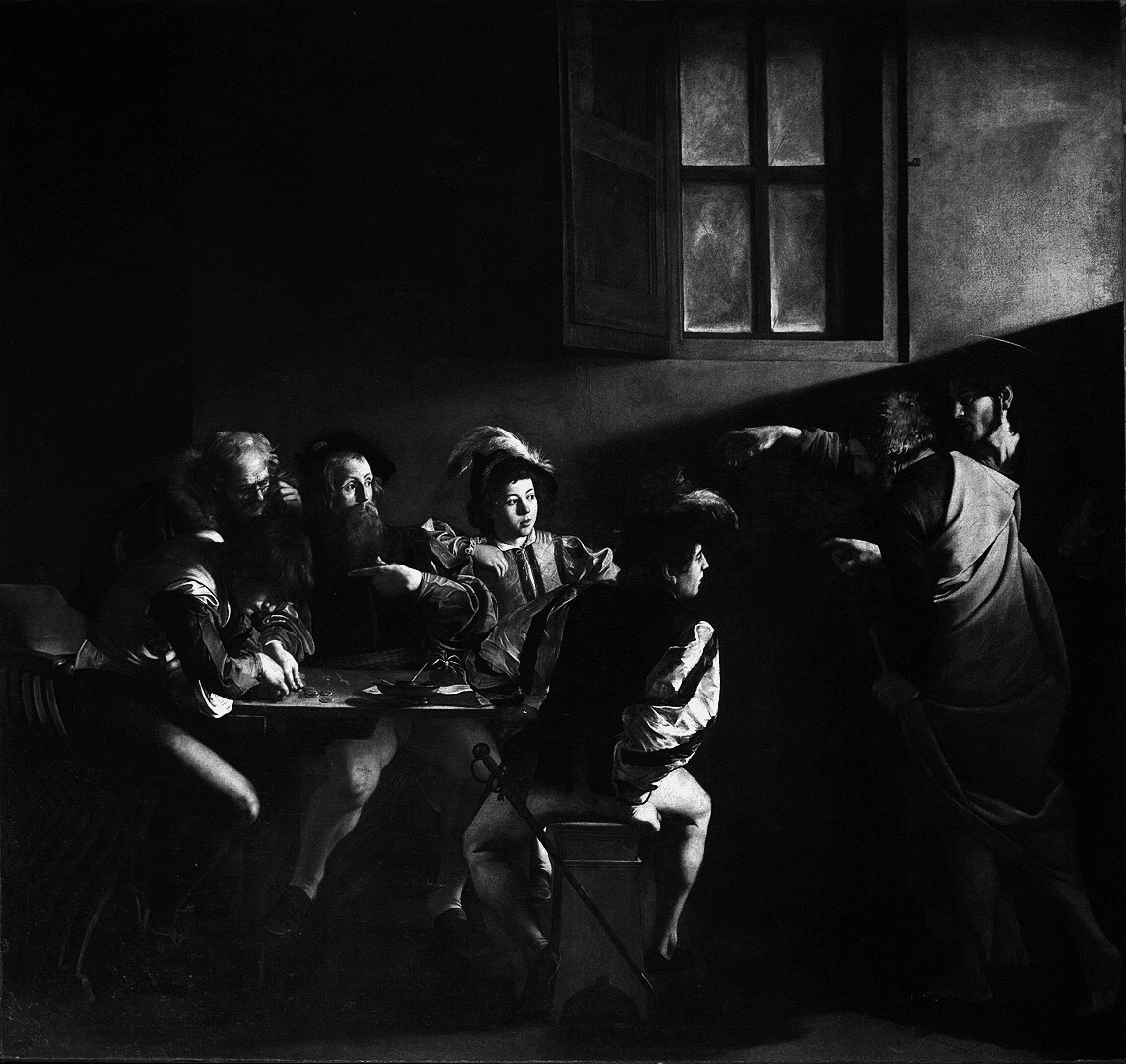
This is the effect I was looking for. There is a striking difference between the dark and light areas of the image while still preserving the detail of the standard grayscale operation. I hope Caravaggio would approve modifying his work in such a manner — at least for learning purposes.